How to Fill Up eSRS Employer Enrollment Form
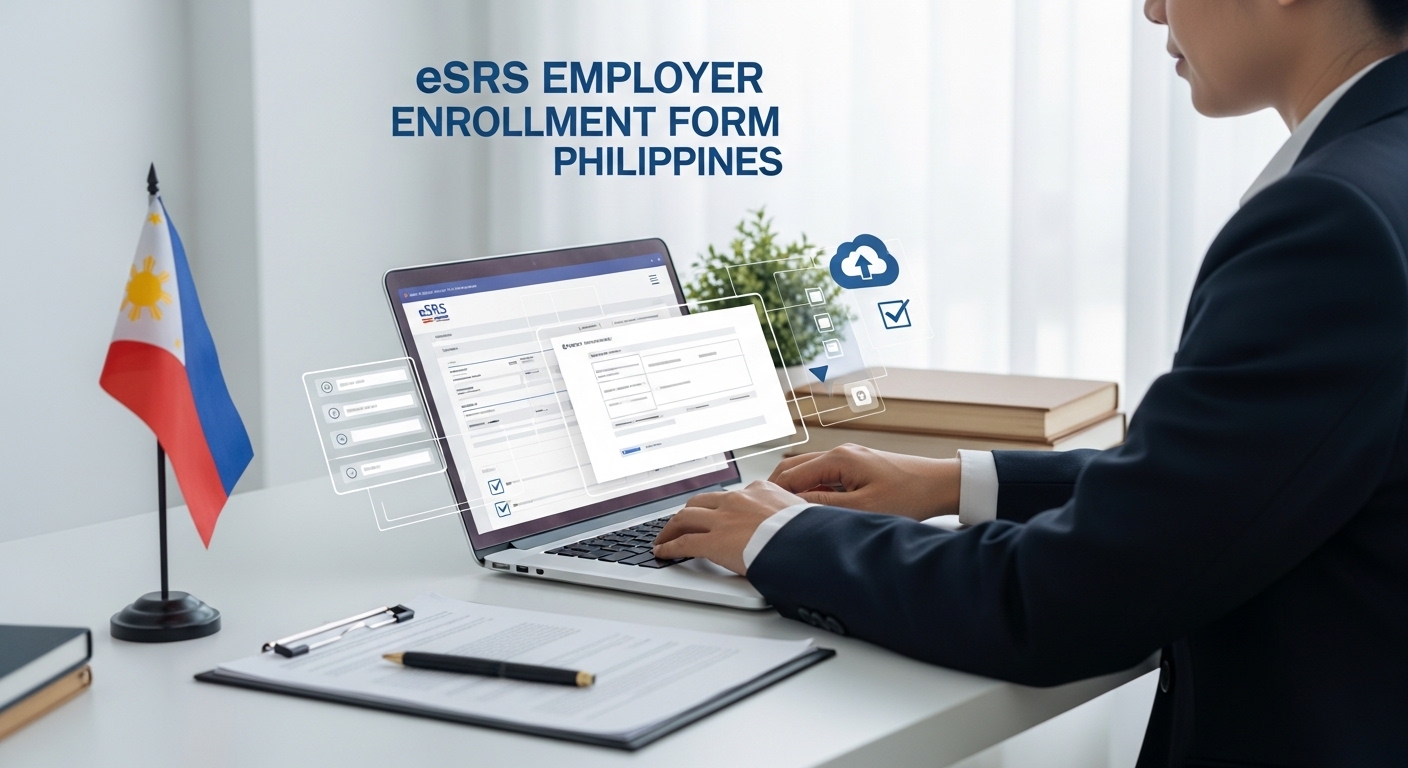
The eSRS Employer Enrollment Form is an application form for employers to register at eSRS system in the Philippines. As per government rules, the employers/businesses must maintain their employee contribution records online in the Electronic Submission of Remittance Schedule (eSRS).
Earlier, the employers used to maintain manual records for employee contributions as a part of Social Security System (SSS) but it was complicated and had more chances of mistakes. On the other hand, the online record keeping with eSRS System is very easy, transparent and has least chances of mistakes.
What is eSRS System and How Does It Works?
The eSRS System is a government operated automated system that allows the employers to add, update and manage employee contribution records online from anywhere at anytime.
By using the eSRS System, The employer can manage their employee contributions including Employer’s Share of SSS Contribution, Employer’s Share of Mandatory Provident Fund (MPF) Contribution, Employees’ Compensation (EC) Contribution and Pension Booster if employee’s Monthly Salary Credit is beyond ₱20,000.
Where to Get eSRS Employer Enrollment Form
The eSRS Employer Enrollment Form is available for free at all SSS branches/offices. You can visit your nearest SSS branch to get an eSRS Employer Enrollment Form on any working day of the week.
In case you are unable to visit an SSS branch, you can download eSRS Employer Enrollment Form PDF directly from the link shared here.
>eSRS Employer Enrollment Form PDF Download Now<
How to Fill Up eSRS Employer Enrollment Form
The employer or the authorized representative can fill up the eSRS Employer Enrollment Form with required information. Here I provide the list of information that you must fill up in the eSRS Employer Enrollment Form, please fill up the form carefully.
- Employer ID Number
- Employer Name
- Pag-IBIG Servicing Branch
- Employer Type (Private or Government)
- Employer/Business Address and Contact Details
- Authorized User/Representative Details (Name, Designation, pag-IBIG MID Number, Email, Phone Number and User Name)
While filling up the eSRS Employer Enrollment Form, make sure that you provide each and every detail correctly. Making any mistake may lead to rejection of the request and other consequences. Your provided phone number and email must be valid and active because the SSS system will send your first time login credentials via email and OTP verification may be done by using the given phone number.
Where to Submit eSRS Employer Enrollment Form
The employer must submit the eSRS Employer Enrollment Form at an SSS Branch. The Social Security System (SSS) has 280+ branches in various parts of different cities/districts in the Philippines. The employer can visit their nearest SSS branch to submit a duly-filled eSRS Employer Enrollment Form with required documents to register in the eSRS System.
You can Click Here to Find SSS Branch Near Me in the Philippines.
eSRS Employer Enrollment Fees
The eSRS Employer Enrollment Process is completely free. The Social Security System (SSS) Office and authority do NOT take any fees or charges for employer enrollment form submission and registration.
The SSS authority does not charge any fee from the employer/company for accessing eSRS System online after registration. So, the eSRS employer enrollment form, registration and its usage are completely free for all employers forever.
Documents Required for eSRS Employer Enrollment
In order to register your business/company in the eSRS System, you must submit the eSRS Employer Enrollment Form to your nearest SSS branch/office. But you must attach necessary documents with the form first and then visit the SSS branch to submit it.
Here I provide all required documents to attach and submit with eSRS Employer Enrollment Form, here is the list.
- Properly Filled-up eSRS Employer Enrollment Form
- A Valid Government Issued ID of the Authorized Representative
- A Valid Business Permit
- Tax Identification Number (TIN) of the Employer (Business/Company)
- Board Resolution to Authorize the Representative to Do Online SSS Transactions on behalf of the Employer/Company
- Business Registration Documents (category wise details given in below table)
| Category or Type of Business | Business Registration Documents Required for eSRS Employer Enrollment Form |
| Sole Proprietorship | DTI Business Name Certificate orMayor’s Permit |
| Partnership Firm | 1. SEC Certificate of Registration2. Articles of Partnership |
| Company/Corporation | 1. SEC Certificate of Registration2. Articles of Incorporation |
| Cooperative Business | CDA Certificate of Registration |
How to Apply for eSRS Employer Enrollment
The eSRS Employer Enrollment Process is pretty simple. To make it easy for you, let me explain the complete process step-by-step as under:
- Download eSRS Employer Enrollment Form PDF from the link given above. Take print of the form.
- Fill up the eSRS Employer Enrollment Form with required information.
- Attach all required documents as mentioned above.
- Visit your nearest SSS branch and submit the eSRS Employer Enrollment Form with documents.
- Complete the remaining process, if any, and exit the SSS branch.
After 3 to 5 working days, the Social Security System (SSS) Authority will send an email to the registered email address of the authorized user/representative. You can check that email message to find your user name and temporary password for eSRS login.
The authorized representative can use these credentials to login to eSRS System to access and manage employee contribution reports online at SSS Portal.
Benefits of eSRS Employer Enrollment
As per Philippine Government Rules, all the employers/businesses are required to provide employee contribution benefits and submit the contribution reports to relevant government department. The eSRS Employer Enrollment System makes it easier and faster for the employer to submit remittance schedules & reports and manage employee contributions online anytime without visiting any SSS office/branch.
Here I provide some amazing benefits of eSRS Employer Enrollment as follows:
- Easy of Access to All Employees’ Remittance Schedule, Contribution Reports and Current Status.
- Complete Transparency in Online Records Available to be Accessed by Authorized Representative, the Government and the Employees as well.
- 24×7 Online Access at SSS Portal and MySSS Mobile App: No Need to Visit SSS Office.
- Less Paperwork and Rare Chances of Errors/Mistakes.
- Employer/Company Does Not Need to Maintain Full Manual Records like earlier.
- Fast Reports Submission and Quick Processing Speed.
So, the eSRS System provides plenty of benefits for both the employers and the employees.
Conclusion
The eSRS System offers an online platform for employers/businesses to manage their remittance schedule and employee contribution reports.
The employer or authorized representative is not required to visit an SSS Office frequently, they can manage everything online at SSS web portal as per their convenience.
In order to register as a company/firm for eSRS System in Philippines, you should get eSRS Employer Enrollment Form, fill it up and submit it with necessary documents at an SSS Office near you. Above I have explained the complete process and its benefits, hope that you have learned something valuable from this post.
FAQ
How much is an eSRS Employer Enrollment Form?
An eSRS Employer Enrollment Form is available for free at all SSS branches in the Philippines, you can also download it from the link I have shared above.
Where do I submit eSRS Employer Enrollment Form?
You can submit the eSRS Employer Enrollment Form at your nearest SSS branch.
I have a Sole Proprietorship, can I enroll to eSRS System?
Yes, you can enroll to eSRS System even if you are a sole proprietorship employer/business.
What types of businesses can register for eSRS Employer Enrollment?
The sole proprietorship, partnership firm, private limited company/corporation, public company and cooperative company/establishment businesses can register for eSRS Employer Enrollment in the Philippines.